
Recipes with AI
Snap a recipe. Panna sorts it out.
A notebook page, a screenshot, a link or plain text. Panna splits it into ingredients and steps, writes your shopping list and walks you through cooking it step by step.
Coming to the App Store
How it works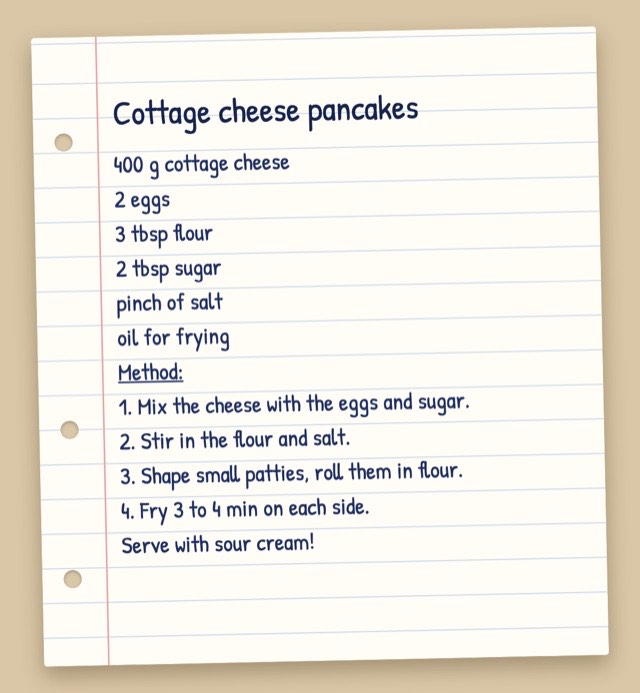
How it works
-
Bring in a recipe
Photograph a notebook, add a screenshot, give a link or just type what you want to cook.
-
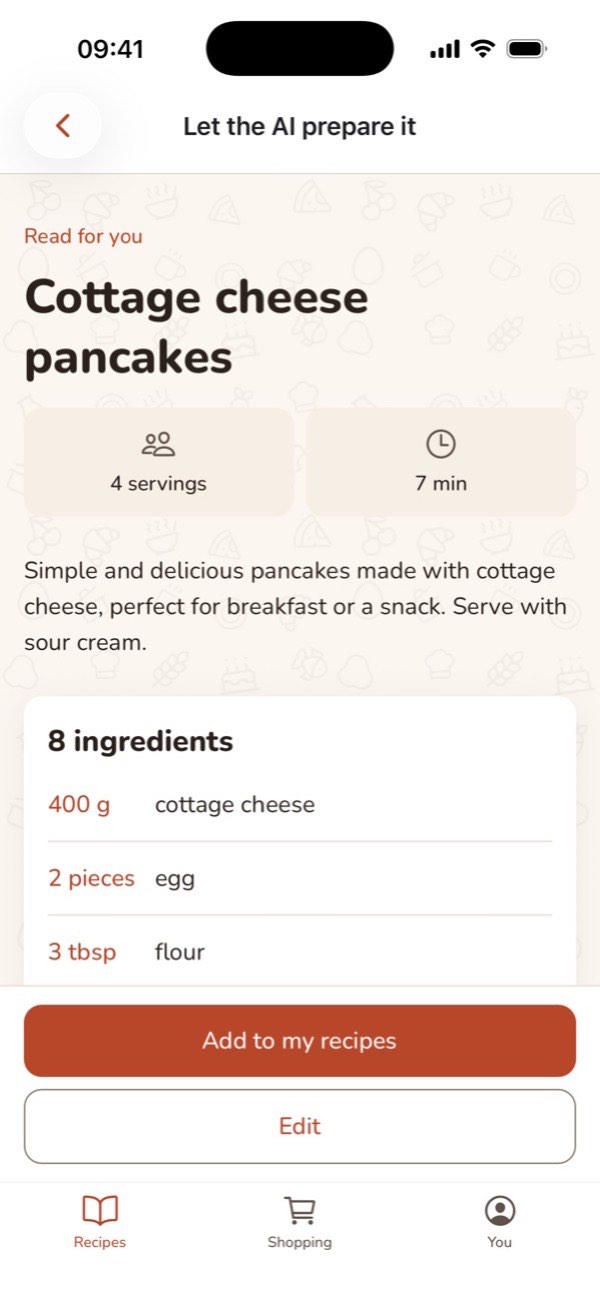
Panna sorts it out
The AI reads the ingredients, amounts and steps. You check it and keep it.
-
Cook it step by step
With timers, big buttons and a word on what to do while something simmers.
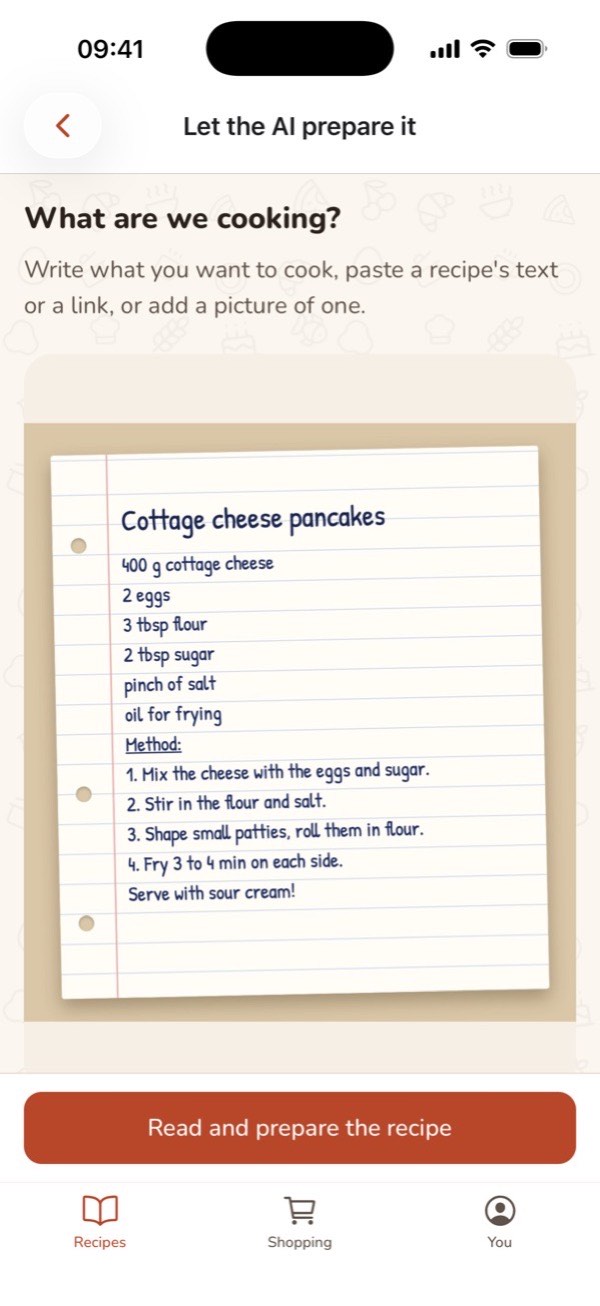
Read by AI
From a notebook, a screenshot or a link
Photograph a page of a family recipe book, add a screenshot from social media, give a link to a recipe site or just type what you want to cook. Panna sorts it out, and you check it before you keep it.
A video link? Your own AI reads it, and you paste what it writes.
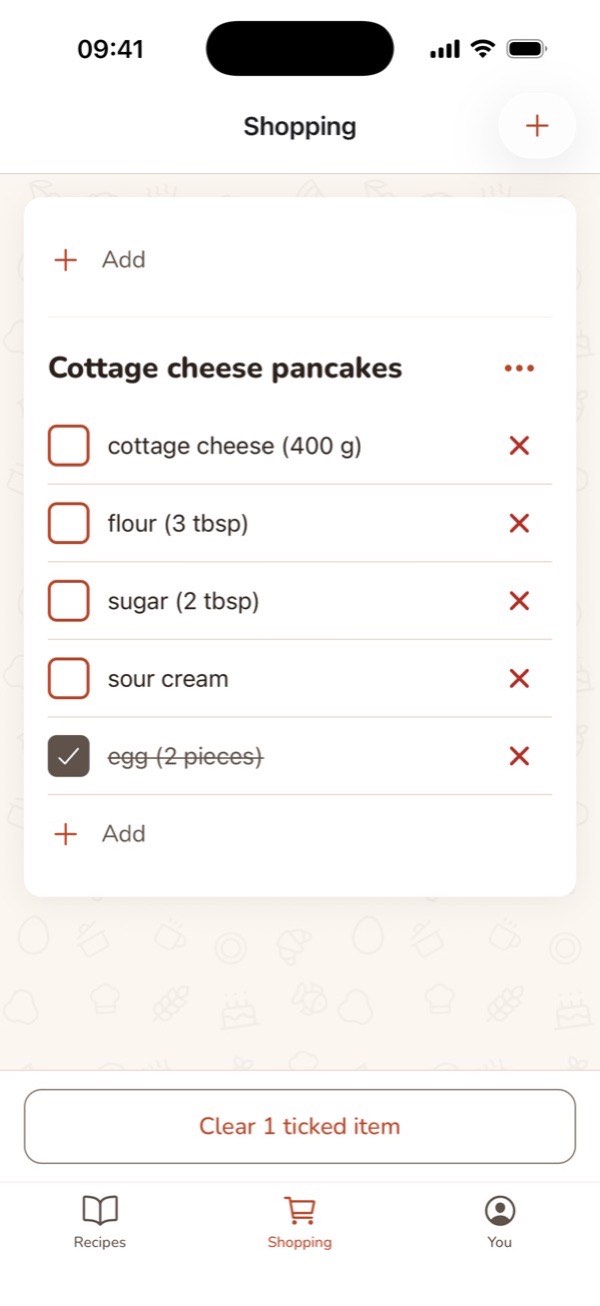
Shopping
Your shopping list in one tap
Add a recipe's ingredients to the list and untick what you already have at home. The list is grouped by recipe and goes with you to the shop on your phone.
Cook mode
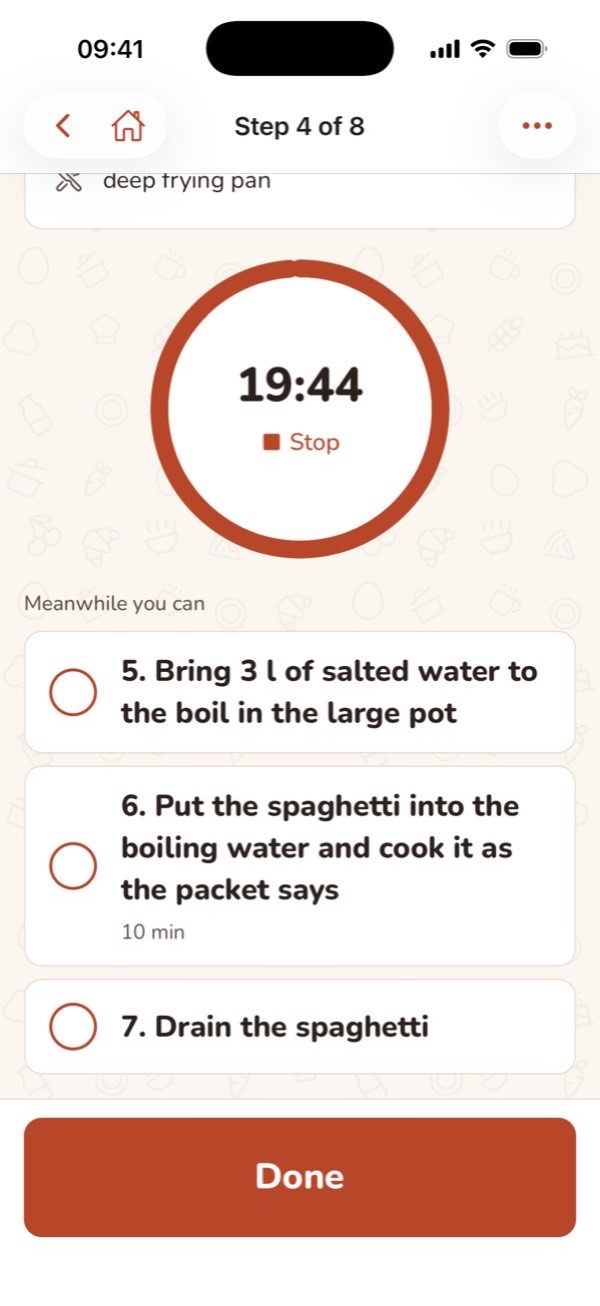
Step by step, with a timer
Big text and buttons for wet hands. Every timed step has its own timer, and Panna shows what fits in while the sauce simmers, so the spaghetti is ready with it.
Share
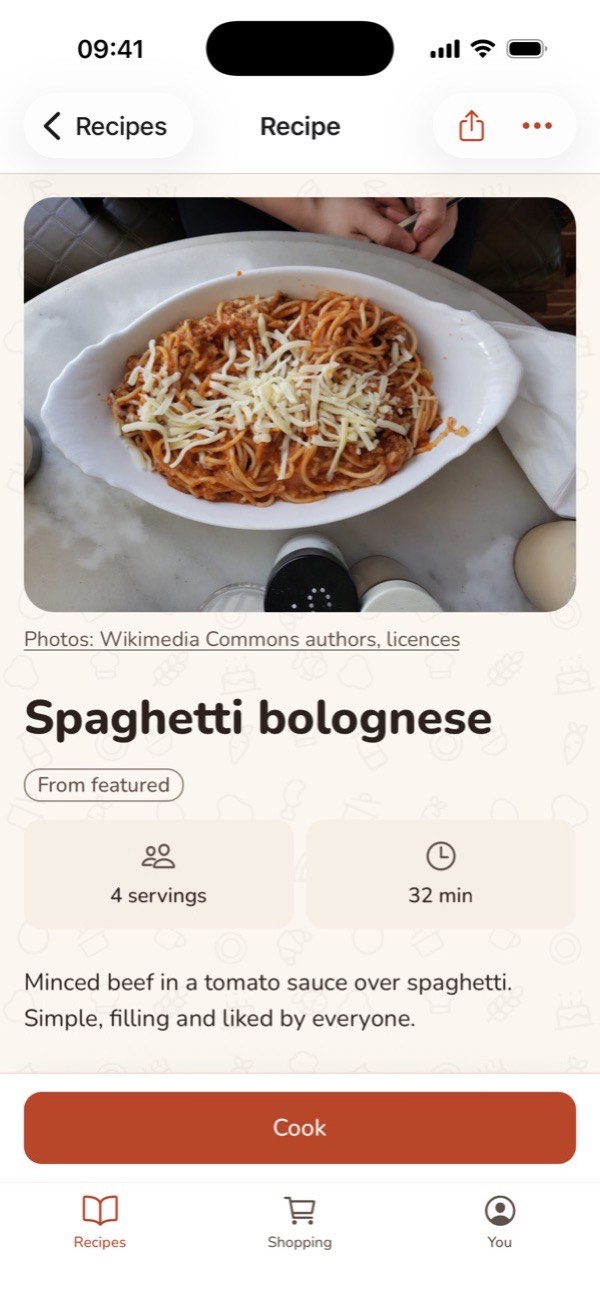
Share with friends
Open a recipe and tap the share button at the top. Your friend gets a private link, opens it in Panna and keeps a copy of their own to change as they like. Nothing is ever public.
- No ads
- Nothing public
- Server in the EU
- No passwords
Cook with Panna
Coming to the App Store